

Enhance your Apple Trackpad experience with these two settings changes silent and fast operations
😁
Whenever I set up a new MacBook Pro or Apple Trackpad (ok, not very often, but it’s still pretty cool!), I make these two changes to the settings. They transform the experience, letting me skip the physical push and switch to simple taps instead. For me, this is faster, lighter, and completely silent—just like Tom Cruise in Minority Report 😂.
- Tap to Click: Enable this option to click with just a tap, eliminating the need to push down.
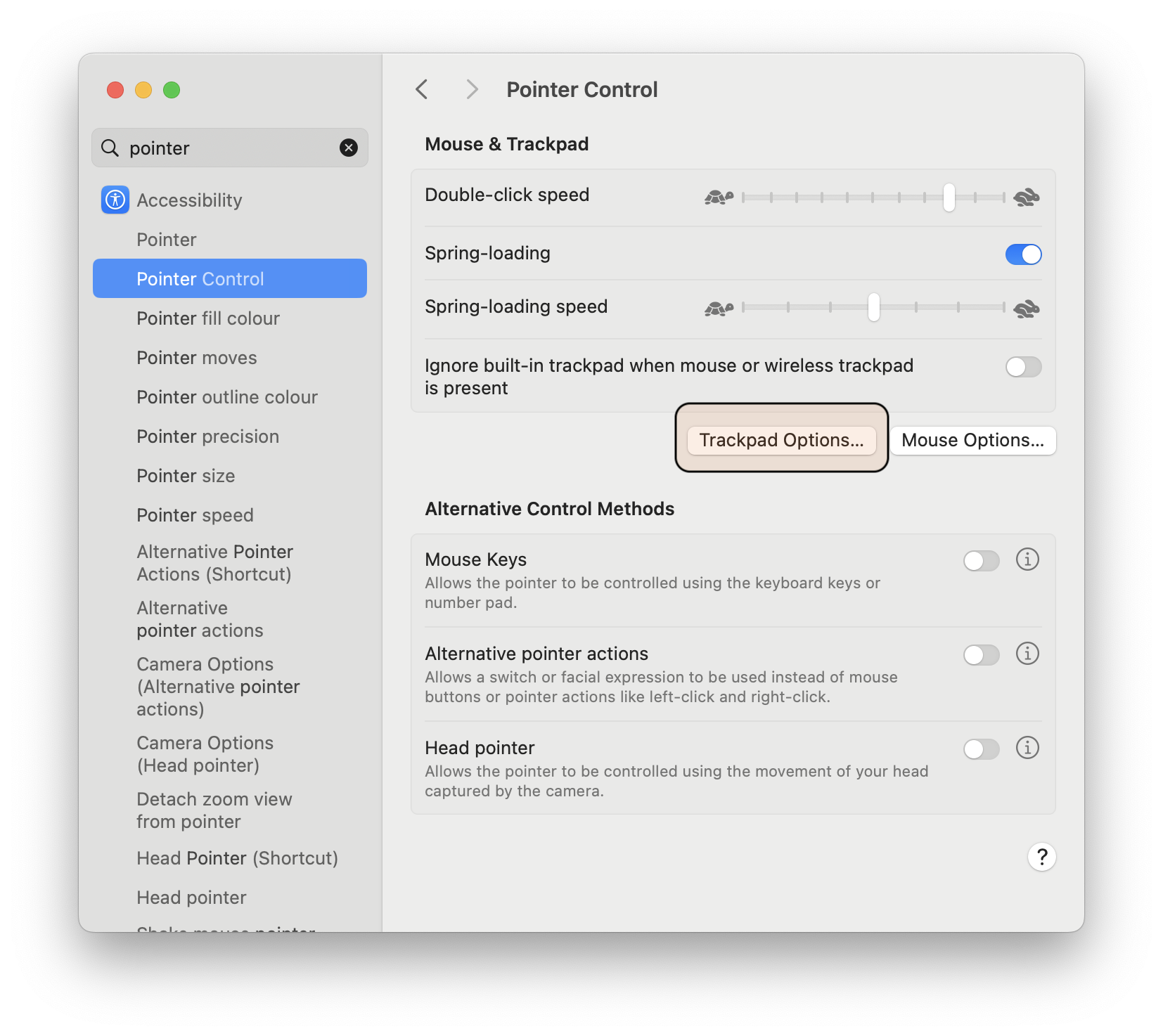
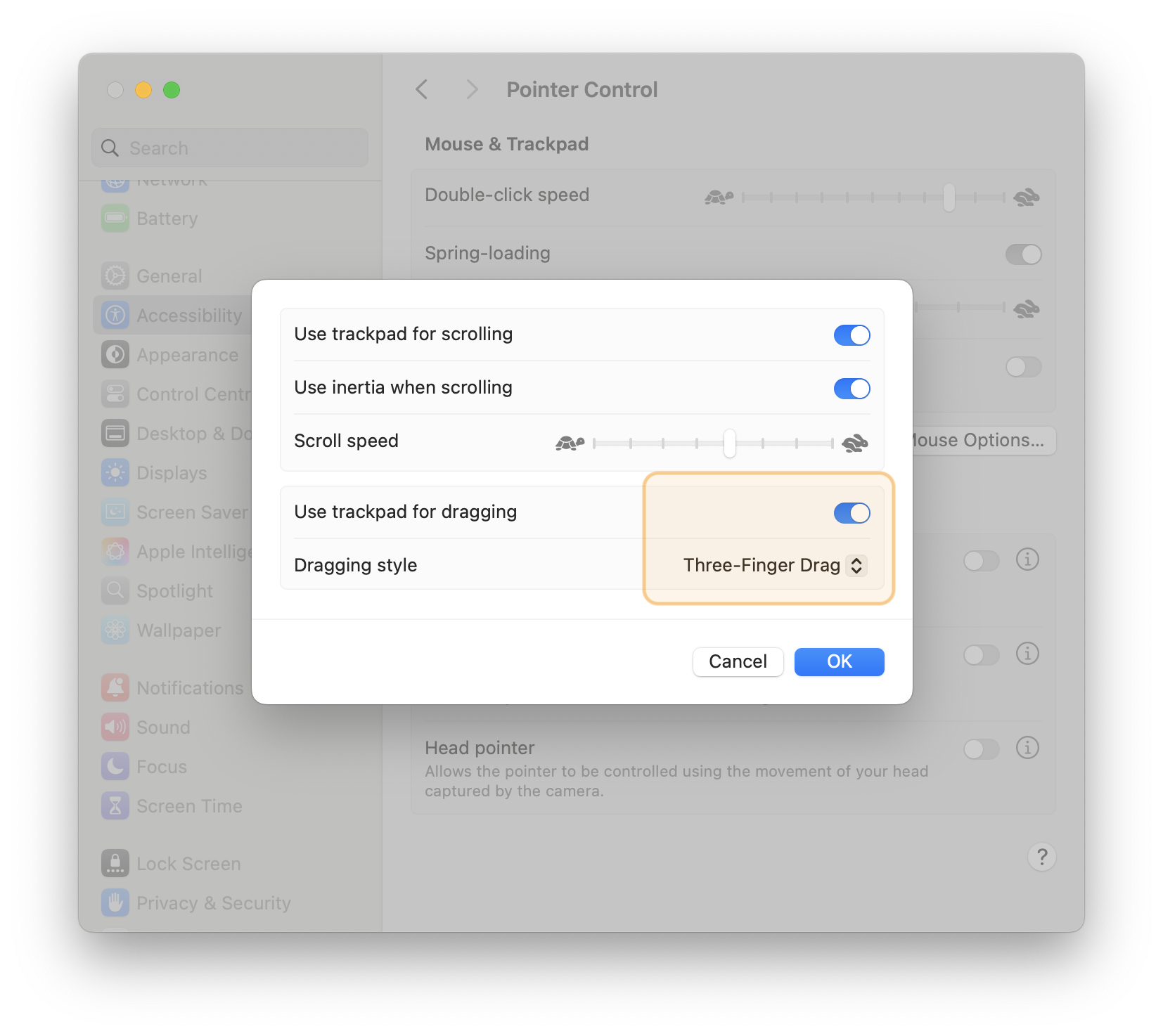
- 3-Finger Drag: Position your mouse over the title bar of a window and use three fingers to drag it effortlessly, no push required.
Tap to click
Rather than having to push down simply tap to click!

3-finger drag
As with tap-to-click, just place 3 fingers on the trackpad and drag windows and other items around without first having to push down. 😀
 Carpe Diem Systems Ltd.